One manga page folded, a whole spread open: ComicFlow on iPhone Duo
This week a lot of people noticed that a folded iPhone Duo is about the shape of one manga page, and that it opens into two. I'd been building ComicFlow around that shape since September. Here's the story of that work, including the small gap in the middle I fussed over most.
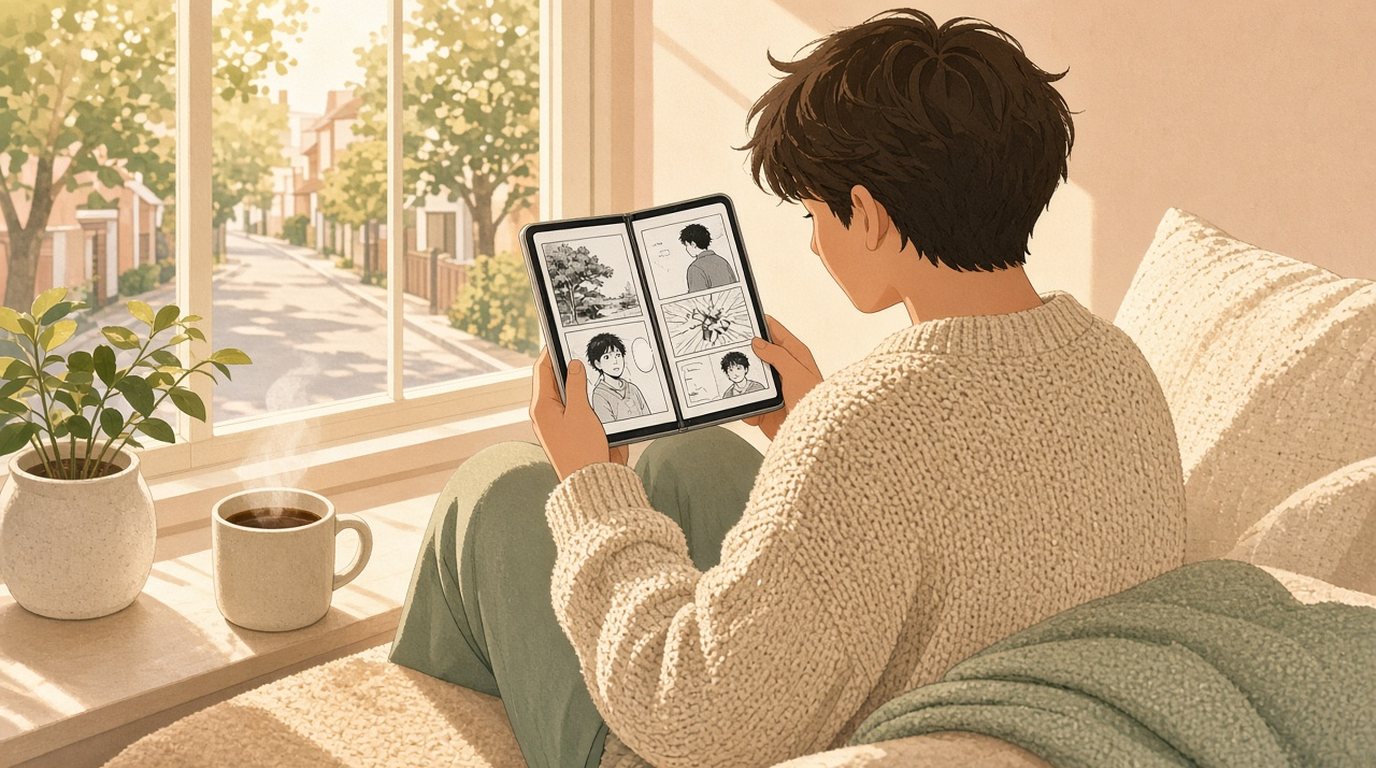
The iPhone Duo went on sale on Friday, and since then my X timeline has been full of people noticing the thing I’d quietly hoped someone would. Folded, the outer screen is roughly the shape of a single manga page. Open it, and you’re holding a spread.
I read that with a big grin and a slightly guilty feeling, because I’d spent a good part of September moving two pages of comic a few dozen points apart. It’s nice when the thing you obsessed over turns out to be the thing people want.
This is the story of that work. If you want the practical version, with every setting in order, the step-by-step guide on applestan.com covers it. Here I want to talk about what it was like to build.
Folded, it’s one page
The easy half first. A manga page is tall and narrow, and so is a folded Duo. I checked it on a real Duo today, and a single page sits on the outer screen the way it sits in your hand in a printed volume: one page, nothing else competing for the space.
I didn’t have to write anything special for that. ComicFlow’s reader already lays out from the space it’s given rather than from what kind of device it thinks it’s on, which is a lesson I learned the hard way when the Duo simulator first showed me my own assumptions.
The one thing a single tall screen can’t do well is a double-page spread, the big two-page fight or the landscape shot an artist drew across both pages. For that there’s Split Wide Pages. Turn it on and a wide page is shown as two halves, one after the other, in reading order. With right-to-left reading on, that means the right half first, the way it was drawn.
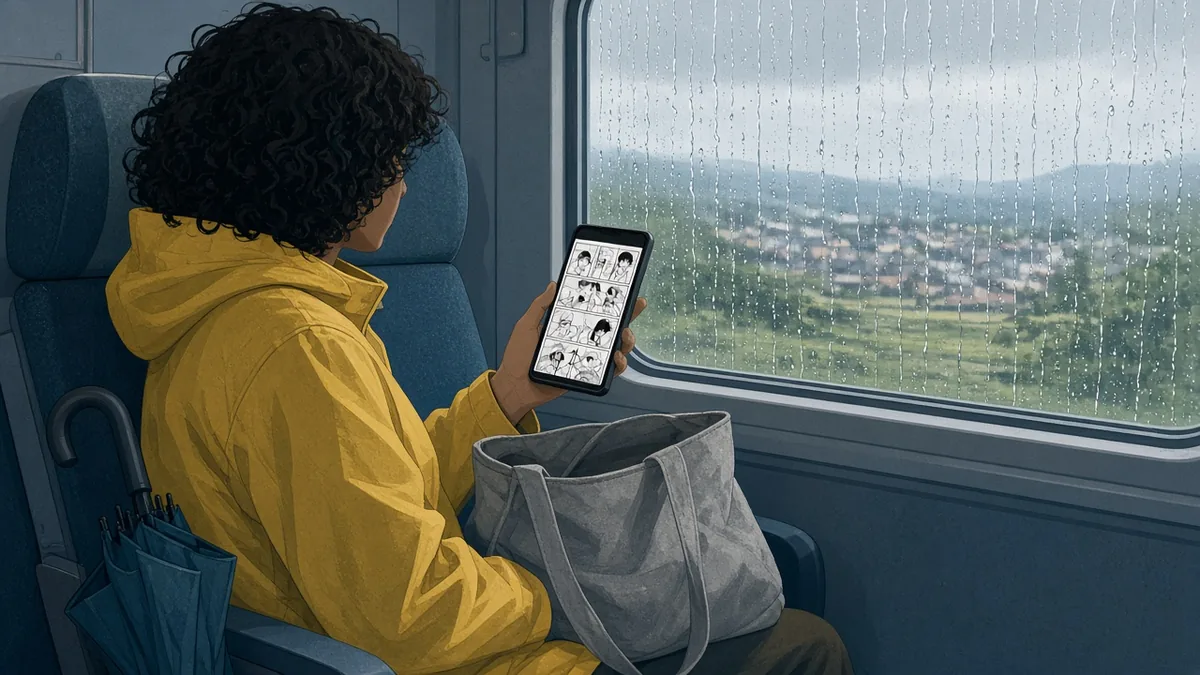
Open, it’s a book, and the fold is the problem
Opening the Duo part-way, like a paperback, is where it gets interesting. A printed manga volume is two facing pages with a margin between them, so the obvious idea is to put one page on each half and let the crease fall in the middle.
That’s also how every spread in ComicFlow had worked until then: an even split down the middle, the two pages touching. On a Duo, that puts the crease right on the inner edge of both pages. And the crease isn’t a hairline. It’s a strip with some width to it, and whatever art sits on that strip bends away from you. On a page where a character’s face or a speech bubble runs to the edge, that’s the bit you lose.
So in 3.5 the pages moved apart. The reader asks the system where the fold is, takes the width of that region, and lays the two pages either side of it, so the crease sits in the gap between them and no art lands in it. On PDFs, where Apple’s PDF view lays out its own pages, I can’t choose where they meet, so the reader adds a gap the width of the fold between the two pages instead. The cost is that each page comes out a little smaller. I think that’s the right trade. A slightly smaller page beats a page with a dent in it.
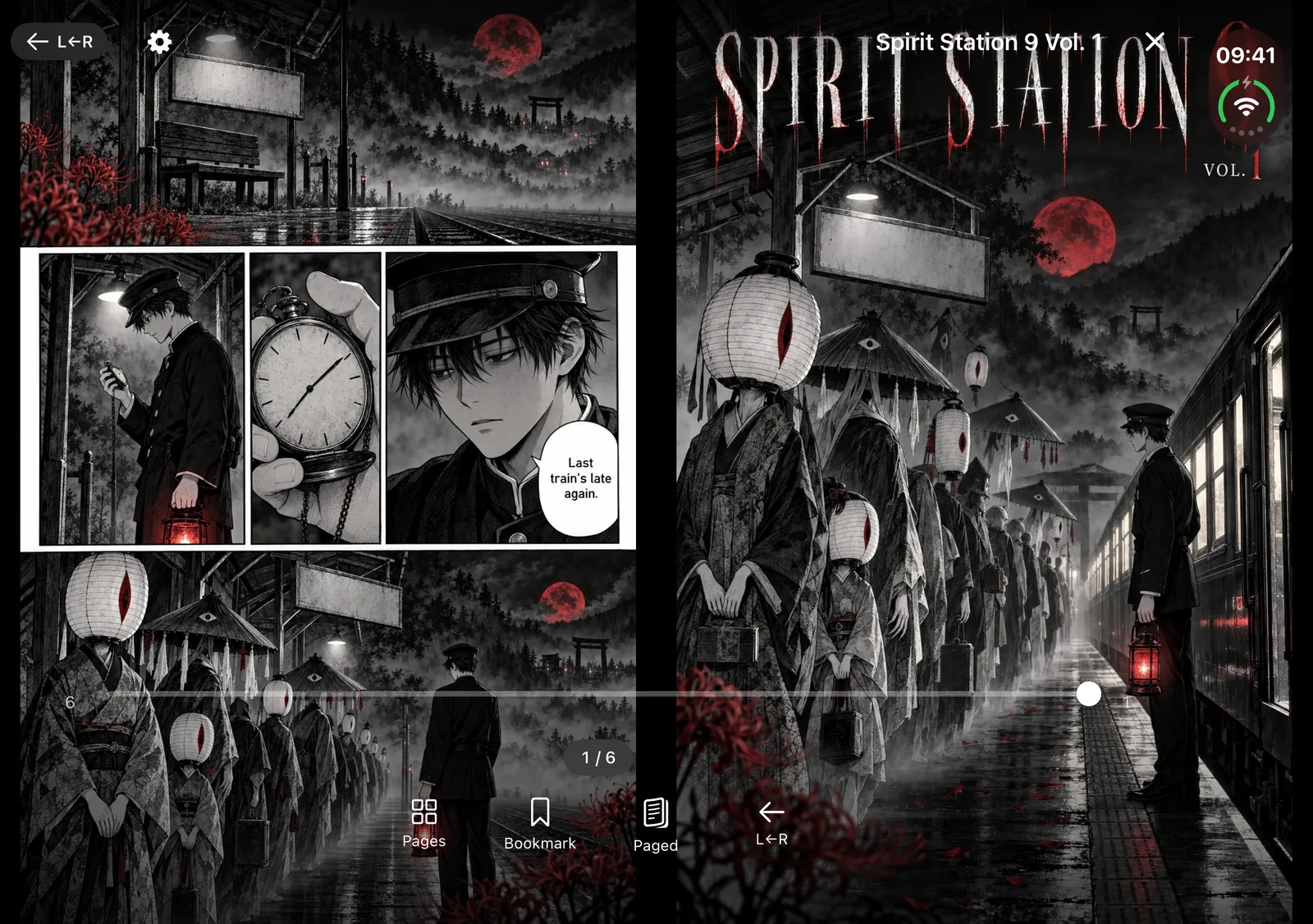
Two things surprised me along the way.
The first was that the fold isn’t always in the middle. In the simulator, with the hinge at 90 degrees, the fold region sat well off centre in the reader’s window, and the two pages came out at 352 and 519 points wide. My first reaction was that something was broken. It wasn’t. The layout code had always taken both edges of the fold separately, and the uneven pages matched the two physical halves you’d be reading on. What was wrong was a check in my tests that assumed a centred fold. I deleted it.
The second was a page I’d missed. If you’ve set the reader to show one page at a time and then open the Duo like a book, that single page was still stretching across the crease. Nothing in my test list covered that order of events, and I only found it by reading the code back. Now a lone page always takes one side of the fold, the side it would sit on in a printed book.
Lay the Duo fully flat and there’s no crease left to work around, so the reader stops making room for one.
Folding shouldn’t lose your page
The part I’m quietly proudest of is the part you shouldn’t notice. Fold, unfold, stand it up, put it down: you stay on the page you were reading.
The hinge was tempting here. The Duo reports its angle, and it would be easy to react to every degree. But a partly open phone in a hand moves all the time, and a page that reflows whenever you shift your grip is worse than a gap that’s a few points off. So the reader only listens to where the fold is, and if you’ve zoomed in, the zoom only resets when the fold actually appears or goes away. The page itself always survives.
The manga details
Most of what makes manga feel right on the Duo is old ComicFlow stuff that finally has the right screen. Right-to-left reading turns pages the manga way and mirrors the scrubber to match.
Two newer settings matter more on a book-shaped phone than anywhere else. Show Cover Alone puts the cover on its own, so every pair after it lines up the way the volume was printed, instead of every spread being off by one page. And when two-page layout is on, a page that’s already a scanned double spread stands on its own rather than getting squeezed into half the screen beside its neighbour. Both work on CBZ and CBR files, and both are included without Pro. PDFs keep their own page layout.
Then there’s the pose I didn’t expect to like. Stand the Duo half open on a table, like a tiny laptop, and the page sits on the upright half while the controls move to the flat half underneath: the scrubber, the quick actions, and, for CBZ and CBR files, a strip of thumbnails you can scroll through without covering the art. It’s the way I’d read over breakfast if I had a second pair of hands.
Where the books come from
ComicFlow is a $2.99 app that reads CBZ, CBR and PDF files you already own, like DRM-free volumes you’ve bought or your own scans. It doesn’t read EPUB, and it doesn’t sell comics.
Since 3.7 it can also read from a Komga, Kavita or OPDS server, if your collection already lives on one at home. Saving a server is part of Pro, and you can test the connection to yours without it. I wrote about getting that ready on a real iPhone last week.
Why this one made me happy
I build small apps on my own, and most of the time the details I sweat over are invisible. Nobody writes to say thanks for a gap between two pages.
This week, though, people looked at the shape of a new phone and thought of manga. That’s exactly the thought I had in September, when the Duo was still just a simulator on my Mac. If you’ve got a Duo and a shelf of comics you own, I hope ComicFlow makes it feel like the book it’s shaped like.