Takes that survive a phone call, and captions spelled the way you wrote them
Fold Cue records with an asset writer rather than the simple movie output, feeds the same microphone audio to the recording and to speech recognition, and keeps everything on one clock. That one decision is what makes crash-safe takes, trimmed commands and script-perfect captions possible.
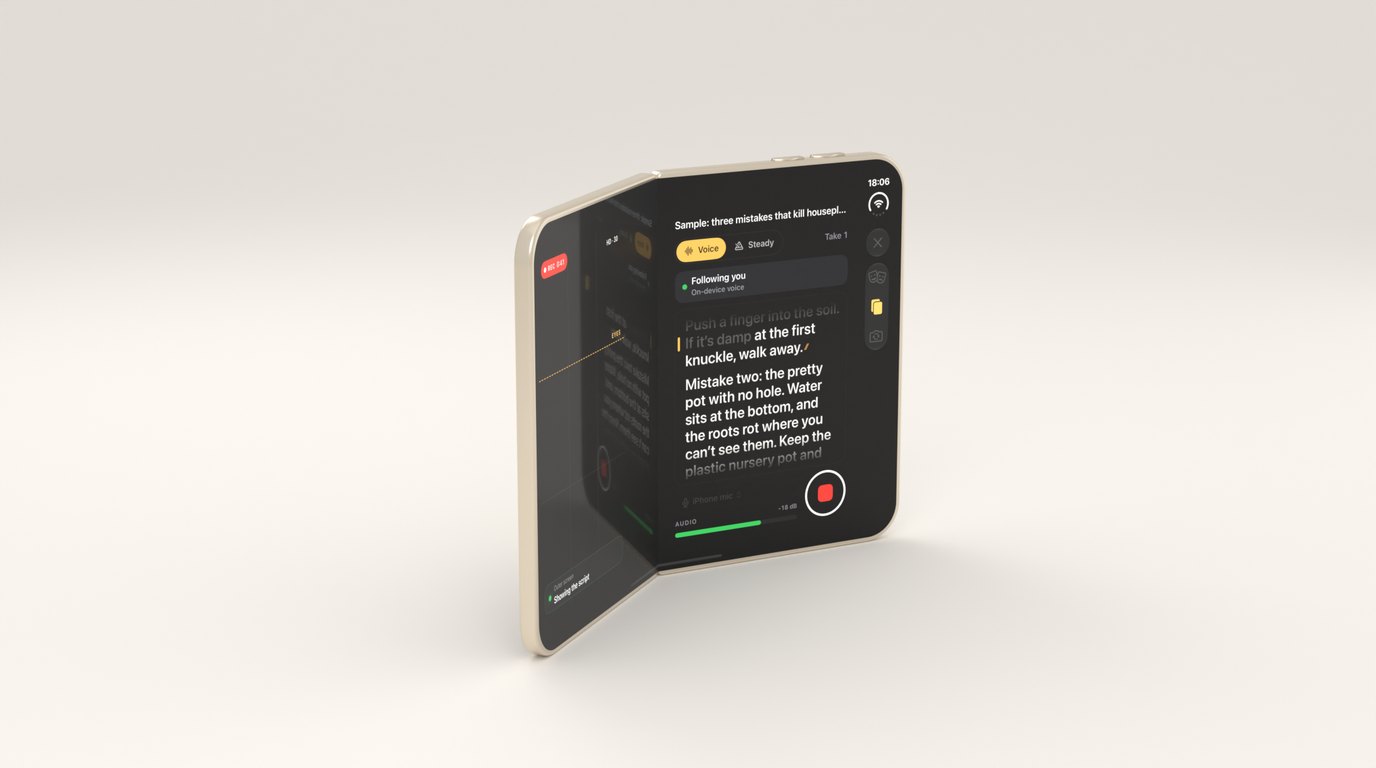
The quickest way to record video on iOS is AVCaptureMovieFileOutput. You add it to a capture session, give it a file and tell it to start. For most camera apps that’s the right choice.
Fold Cue doesn’t use it, and almost everything I like about the app follows from that.
Why not the movie file output
A teleprompter needs the microphone for two jobs at once. The recording needs the audio, and voice follow needs the same audio at the same moment to work out where you are in the script. The SDK doesn’t promise that a movie file output can share a session with an audio data output, and I didn’t want the one feature the whole app depends on to rest on behaviour nobody documents.
So Fold Cue takes the long way round. Video and audio both arrive as sample buffers through data outputs, and an AVAssetWriter writes the movie. Each audio buffer is converted once and handed to two places: the writer, and the speech engine. The meter before a take reads from the same copy.
It’s more code than the movie output. It also gave me things the movie output couldn’t.
A take survives almost anything
The writer writes a fragmented movie. Every so often it finishes a fragment, and everything up to that point is a playable file on disk, whatever happens next.
let writer = try AVAssetWriter(outputURL: url, fileType: .mov)
writer.movieFragmentInterval = fragmentInterval
When a take starts, Fold Cue also writes a small marker file saying a take is in progress, and removes it when the take is saved. If the app is killed mid-take, by a crash, the system or a flat battery, the marker is still there on the next launch. The app finds it and recovers the take from its fragments, with everything up to a moment before the end.
A phone call is gentler. The system takes the camera away, the take is finalised, and the screen says “Take saved up to” and the time it reached, then offers to carry on. Heat is handled the same way. When the phone gets hot while recording at the highest resolution, the app suggests stepping down after the current take. If it gets too hot to carry on, it saves the take cleanly and says why, rather than letting the recording fail. The rule behind all of this is that a take you recorded is never lost because of something that wasn’t your fault.
One clock for everything
The second thing the writer gives you is exact time. Every audio buffer that goes to speech is stamped with its position on the take’s own timeline, counted from the first video frame. The speech engine passes that through, so every word it recognises comes back with a time range that lines up with the recording.
That sounds like bookkeeping, and it is. It’s also the whole foundation of the Pro features. A spoken command, a caption and a stumble mark are all just times on that one clock.
Cutting the commands out
When you say “cut” or “again” between lines, the command detector keeps the time range of what you said, padded slightly on both sides. At export, Pro removes those ranges. The composition is the take minus the merged command ranges, stitched back together:
// Keep-ranges = everything minus the (merged) command ranges.
var keep: [ClosedRange<Double>] = []
var cursor = 0.0
for r in trims {
    if r.lowerBound > cursor { keep.append(cursor...r.lowerBound) }
    cursor = max(cursor, r.upperBound)
}
if duration > cursor { keep.append(cursor...duration) }
Each kept range is inserted into an AVMutableComposition, video and audio together, one after another. The words “cut” and “again” never make it into the finished video.
Captions spelled like the script
Automatic captions have one well-known weakness: they spell things the way they sound. Names, product words and anything unusual come out wrong, which is why people spend so long fixing them.
A teleprompter has an advantage here, because it knows what you meant to say. The caption builder aligns the heard words, with their times, to the script’s words, using the same aligner as voice follow. Every matched word is shown with the script’s spelling and punctuation, timed to when you actually said it. Words you ad-libbed aren’t in the script, so they appear as they were heard. Cues break at the ends of sentences, at pauses, and before they get too long to read.
The captions go out as SRT or WebVTT files, or burned into the video with a Core Animation layer during export. One detail matters more than it looks: each take keeps its own copy of the script text it was read from. Edit the script tomorrow and yesterday’s take still captions against the words you actually read.
Handing it to Final Cut Pro
For anyone who edits properly, Fold Cue can export a folder for Final Cut Pro: the untouched take and an FCPXML project that refers to it. The project is written with the removed commands as real edits rather than baked into the video, a marker at the start of every script paragraph, found from when you said its first words, and the captions as a caption lane inside the project. The idea is that you can undo any of the cuts in Final Cut. I still have to open one in Final Cut on a Mac to confirm it imports the way I intend.
The writer is pure string building in the engine package, with no AVFoundation at all, so it’s deterministic and tested on the Mac like the rest of the engine. Final Cut is fussy about time, and everything on its timeline has to fall on a whole frame, which is exactly the kind of rule a test catches and a person doesn’t.
The take on disk is never changed by any of this. Every export starts from the original, which is what makes it safe to try things.
Scoring, as a sorting aid
The same alignment scores each take against the script: how much of it you covered, and where you stumbled, meaning a run of words that matched nothing in the middle of a passage, or a restart. “Pick the best” uses that to suggest a take.
It’s a sorting aid, not a grade. The code says so in a comment, because the best take is sometimes the one where you went off script on purpose, and no score should talk you out of it.
What I keep noticing about this part of the app is how little of it is about video. The camera and the encoder are the system’s job. The value is in knowing what was said, and when, on a clock everything else agrees with.