I'm building apps for a phone I haven't held yet
iPhone Duo isn't in anyone's hands yet, and I'm already building for it. Why now, what makes an app a Duo app rather than a big phone app, and the kinds of app I've decided not to build.
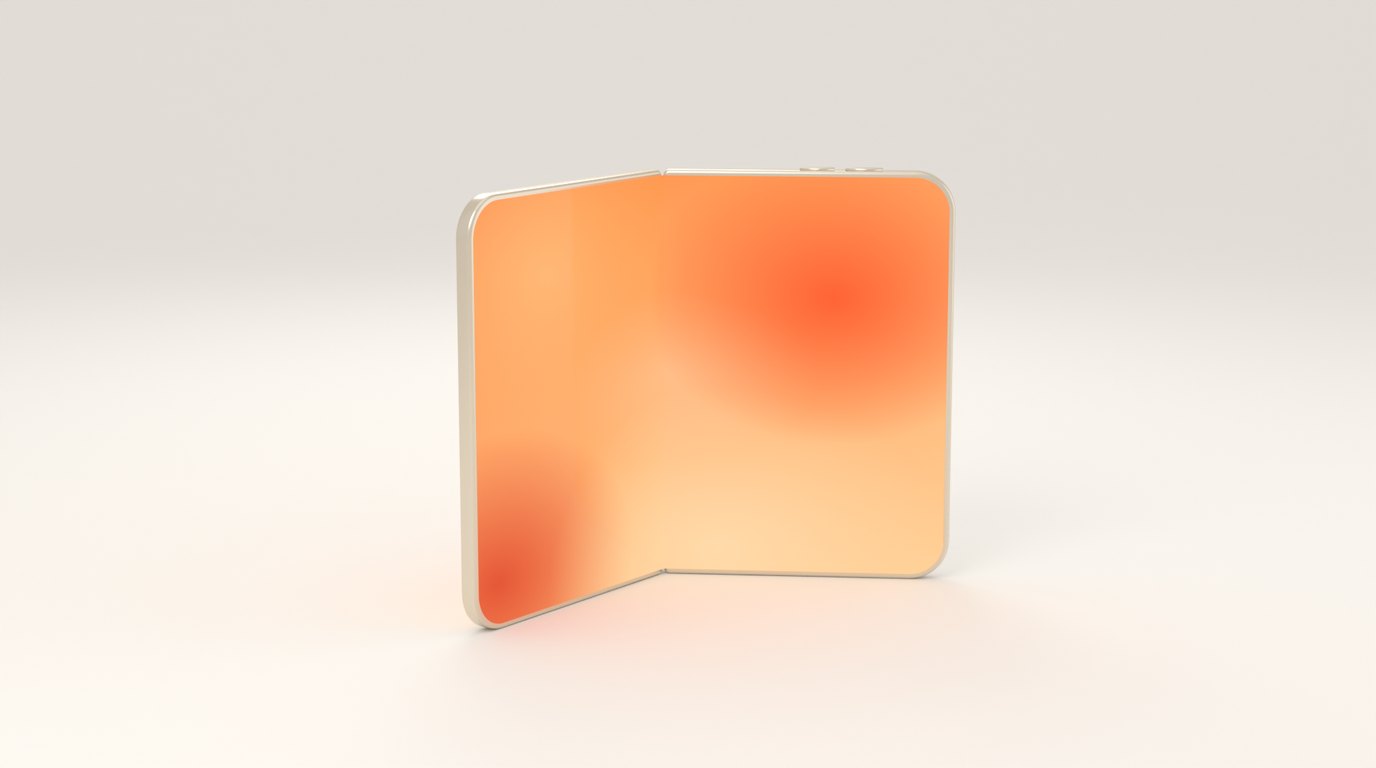
Apple announced iPhone Duo in September, and the simulator arrived in the Xcode 27.1 beta a week or so later. Almost nobody outside Apple has used one yet. I’ve decided to spend the next few months building for it anyway.
This is the reasoning, written down before the device exists, so I can check it against reality later.
Why now
A new kind of iPhone is the rare moment when the App Store has more room in it than apps. People who buy a folding phone go looking for things that show off the fold, and on day one there aren’t many. Apple’s editors are likely to look for the same thing. The window is short, because the big apps catch up, and after that a new app is just another app.
There’s also a quieter reason. A new platform is where an indie developer’s lack of a marketing budget matters least. Nobody has an audience for iPhone Duo apps yet, including me.
A bigger screen isn’t the point
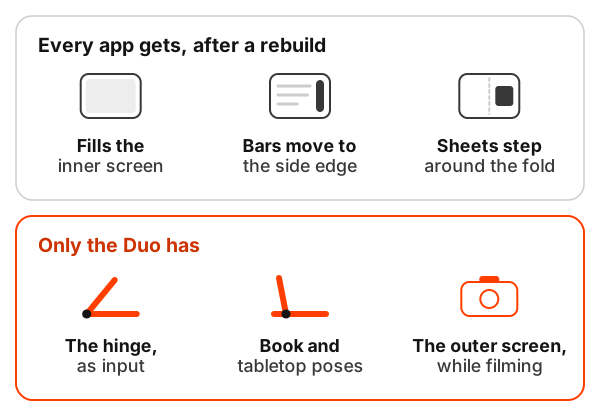
The first thing I learned in the simulator is how much an app gets for free if it uses the standard system components. Rebuild with the current SDK and the app fills the inner display. System toolbars and tab bars move to the side edge in most poses. Sheets and alerts step around the fold on their own.
That’s good for users and bad for anyone hoping “it works on the Duo” is a selling point. If an app only looks good on the bigger screen, the competitor that rebuilt last Tuesday looks just as good.
So I started asking a narrower question: what can an app do on this phone that it can’t do on any other iPhone? The answer is shorter than I expected.
The parts only this phone has
The hinge. Apps can read whether the phone is closed, partly open or fully open, and a live angle in between. Apple suggests using it for interactions and effects, not layout.
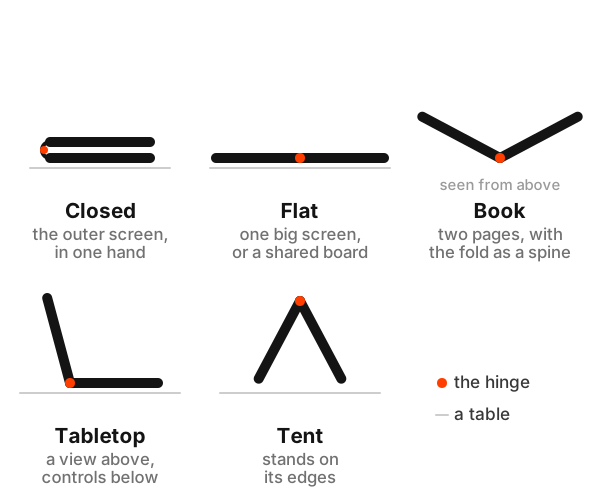
The poses. Partly folded, the fold becomes a region the system reserves. That gives you a book with a spine, or a tabletop with something to look at above the fold and something to touch below it.
The outer screen, while the camera runs. This one has a rule attached. An app can offer interactive content for the outer screen, facing whoever is being filmed, and the system shows it only while the app is using the camera. That single rule decides a lot about which ideas are possible.
Everything I’m building starts from one of those three. If an idea would be just as good on a flat phone, I drop it, however much I like it.
What I’m not building
Some ideas die because Apple got there first. Apple’s own camera already shows the person being photographed a live preview on the outer screen. FaceTime already lets a second person join from the outer screen. StandBy already runs on either screen. Building a smaller version of a system feature is a way to lose slowly.
Other ideas die because of the outer screen rule. Face-to-face translation sounds perfect for a phone with a screen on each side, and I’d love to build it. But it isn’t a camera app, so the outer screen isn’t available to it. The same goes for a customer-facing total at a market stall, or a second player’s private screen in a game that doesn’t use the camera.
And some die because the only thing they add is size. A recipe app on the inner screen is a nicer recipe app. It isn’t a Duo app.
What that leaves
What’s left is small and specific: apps where opening, closing or standing the phone is part of how you use it. ComicFlow is first, because a comic already is a spread with a gutter down the middle, and the fold lands exactly where the gutter goes. The others I’ll name when they’re close to shipping.
I’m also keeping a developer reference with everything I check about the device, and a directory of apps for the Duo. Both exist because I needed them myself and couldn’t find them.
The strange part is designing physical interactions for a device I can’t touch. The simulator has a slider for the hinge, and a slider is not a hinge. Some of this will be wrong the first time I hold one, and I’d rather find out which parts on launch day than a year later.